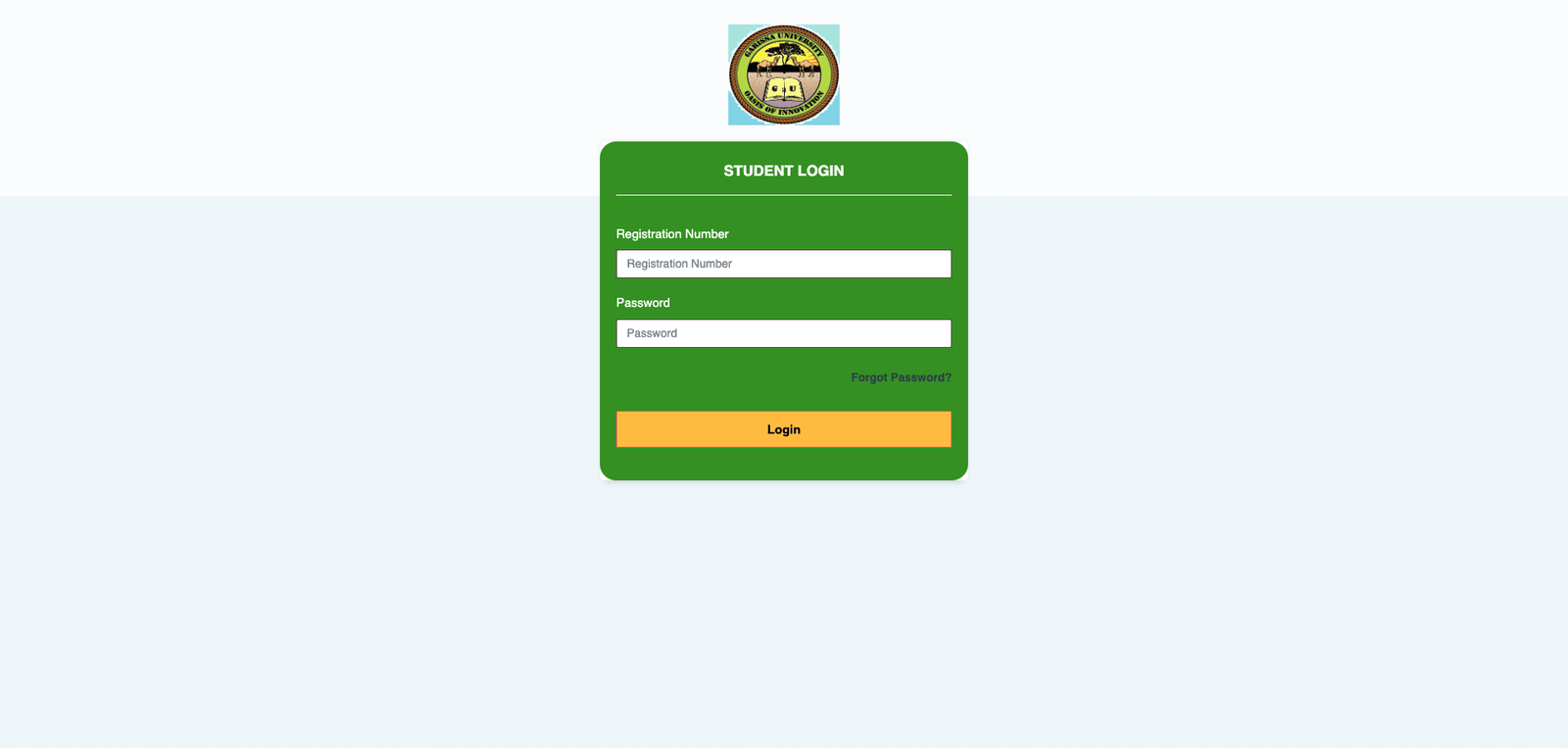




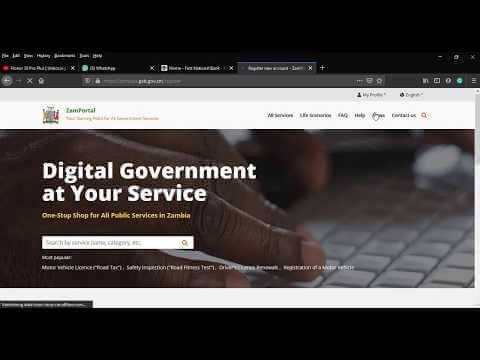
ZamPortal is Zambia’s official government portal that provides citizens, businesses, and organizations with online access to a variety of public services. From driver’s licenses and vehicle taxes to birth certificates and tax clearance, the portal makes it easier to access government services without visiting offices physically. At the center of this platform is the ZamPortal login, which allows users to securely access their accounts and use the services offered.
What is ZamPortal?
ZamPortal is the Republic of Zambia’s central digital platform for public services. It integrates multiple government services into one online system, making it convenient for citizens and businesses to:
- Apply for or renew driver’s licenses
- Pay vehicle taxes and other government fees
- Access birth, marriage, and other certificates
- Submit tax documents and clearances
- Handle immigration and permit applications
- Access education and social services
Most of these services require users to log in to the portal for personalized access.
Why Login is Important
Logging in to ZamPortal allows users to:
- Access services specific to their profile
- Submit applications and supporting documents online
- Track the status of requests
- Make online payments for government services
- Receive digital confirmations or certificates
Without logging in, you can browse some information but cannot fully use the portal’s services.
How to Log In to ZamPortal
Follow these steps to log in successfully:
- Visit the Official Portal
Go to ZamPortal in your web browser. - Click on Login
Find and click the Login button, usually at the top right corner of the homepage. - Use ZamPass
The portal uses a single-sign-on system called ZamPass. Select the ZamPass login option for authentication. - Enter Your Credentials
- Username: Typically your National Registration Card (NRC) number or passport number
- Password: The password you created during registration
Click Sign In to access your account.
- Access Your Dashboard
After logging in, you will be redirected to your account dashboard, where you can select and manage the services you need.
Tips and Troubleshooting
- First-Time Users: Register for a ZamPass account before trying to log in.
- Forgot Password: Use the “Forgot Password” link on the login page to reset it.
- Browser Issues: Clear your cache or try a different browser if the login page does not load.
- Account Locked: Contact portal support if you are unable to log in after multiple attempts.
Services Available After Login
Once logged in, users can:
- Renew or apply for driver’s licenses
- Pay vehicle road taxes
- Access official certificates (birth, marriage, etc.)
- Track submitted applications
- Receive electronic receipts and confirmations
These services help reduce paperwork and make government interactions more efficient.
Conclusion
The ZamPortal login is essential for accessing Zambia’s online government services. With a ZamPass account, users can manage applications, payments, and official documents online, saving time and reducing the need for in-person visits. This digital platform is an important step toward making government services more accessible and efficient for everyone.
FAQs
1. What is ZamPortal?
ZamPortal is Zambia’s official government e-services portal. It allows citizens, businesses, and organizations to access a wide range of government services online, including driver’s licenses, vehicle taxes, birth certificates, tax clearances, and more.
2. What is ZamPortal login?
ZamPortal login is the process of signing in to your account on ZamPortal using your ZamPass credentials. Logging in allows you to access personalized services, submit applications, make payments, and track requests.
3. What is ZamPass?
ZamPass is the central identity authentication system used by ZamPortal. It allows users to log in once and securely access multiple government services without creating separate accounts for each service.
Also Read: Who Is Molly Little? A Closer Look at the Rising Digital Star
4. How do I log in to ZamPortal?
- Go to the official ZamPortal website.
- Click the Login button.
- Select ZamPass login.
- Enter your username (NRC or passport number) and password.
- Click Sign In to access your dashboard.
5. I am a first-time user. How do I create an account?
First-time users need to register for a ZamPass account. Visit the ZamPortal website, click Register, provide your personal details, and create a password. After registration, you can log in and use the services.
6. What should I do if I forget my password?
On the login page, click Forgot Password. Enter your registered username or email, and follow the instructions to reset your password.
7. Can I access ZamPortal without logging in?
Yes, you can browse some public information, but most services (applications, payments, certificates) require login.
8. Why am I unable to log in?
Common reasons include:
- Incorrect username or password
- Account not registered or activated
- Browser issues (try clearing cache or using another browser)
- Account temporarily locked due to multiple failed login attempts
If issues persist, contact ZamPortal support.
9. Are there fees for using ZamPortal services?
Some services may require payment (e.g., vehicle taxes, license fees), which can be made online after logging in. Not all services are free.
10. How do I contact ZamPortal support?
Support can be reached through the Contact Us page on ZamPortal or via official email/phone numbers provided on the portal.