





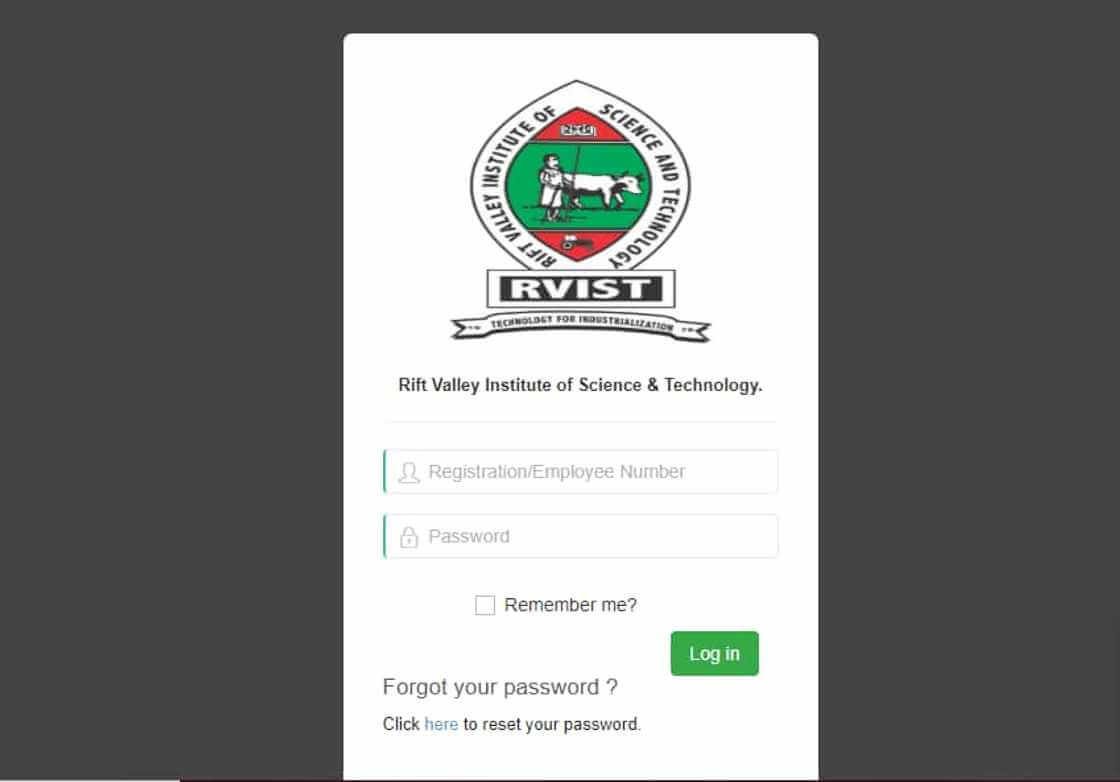
The RVIST Student Portal is an online platform designed to simplify and streamline the academic and administrative processes for students at the Rift Valley Institute of Science and Technology (RVIST). By providing a centralized system, it allows students to access essential services anytime, anywhere, without the need to visit campus offices.
What Is the RVIST Student Portal?
The RVIST Student Portal is a secure web-based platform that serves as a one-stop hub for students, both current and prospective. Through this portal, students can access academic information, manage registrations, view results, and interact with the administration digitally. The portal can be accessed at portal.rvist.ac.ke using a student’s admission number and password.
Key Features of the RVIST Student Portal
1. Academic Records and Exam Results
Students can view their exam results, academic transcripts, course registrations, and timetables directly from the portal. This feature makes it easier to track academic progress.
2. Online Application and Admission
Prospective students can apply for admission online, check their application status, and download admission letters without visiting the admissions office.
3. Fee Management
The portal provides information on fee balances, payment deadlines, and detailed statements, helping students manage their finances effectively.
4. Personal Profile Management
Students can update personal details such as contact information and address, ensuring that their records remain accurate and current.
5. Hostel and Accommodation Services
Some features allow students to book on-campus accommodation, making housing arrangements simple and transparent.
How to Use the RVIST Student Portal
Logging In:
- Visit portal.rvist.ac.ke.
- Enter your admission number and password.
- Click “Login” to access your dashboard.
New User Registration:
First-time users need to register using their admission or registration details. Ensure that all information matches the official student records.
Password Recovery:
If a student forgets their password, they can use the “Forgot Password” feature to reset it via their registered email or admission number.
Why the RVIST Student Portal Matters
The portal is a vital tool for students because it:
- Reduces the need for physical paperwork and campus visits.
- Provides 24/7 access to academic and administrative services.
- Centralizes student information, making it easier to manage records and tasks efficiently.
Overall, the RVIST Student Portal enhances the student experience by making learning and administration more convenient and accessible, allowing students to focus on their education.
(FAQs) — RVIST Student Portal
1. What is the RVIST Student Portal?
The RVIST Student Portal is an online platform for students at the Rift Valley Institute of Science and Technology (RVIST) to access academic, administrative, and personal information. It allows students to manage their studies, check results, pay fees, and update profiles from anywhere.
2. Who can use the RVIST Student Portal?
The portal is designed for current students, new applicants, and prospective students. Anyone registered with RVIST can log in using their admission number and password.
3. How do I access the portal?
Visit portal.rvist.ac.ke, enter your admission number and password, and click “Login” to access your dashboard.
Also Read: Kayleigh McEnany: From Political Commentator to White House Press Secretary
4. I forgot my password. What should I do?
Click the “Forgot Password” link on the login page. Enter your admission number and registered email to reset your password.
5. Can I apply for admission online through the portal?
Yes. Prospective students can apply online, upload required documents, track their application status, and download admission letters.
6. How can I check my exam results?
After logging into the portal, navigate to the “Results” or “Examinations” section to view your results and transcripts.
7. How do I update my personal information?
Log in and go to your Profile section. Here you can update personal details like contact information, address, and emergency contacts.
8. Can I pay my fees through the portal?
The portal provides fee statements and balances, and in some cases, online payment options. Check the Fees section for payment instructions.
9. Can I book hostel accommodation online?
Yes, the portal allows students to view available rooms and reserve on-campus housing, depending on availability.
10. Who do I contact for portal support?
If you experience technical issues, contact the RVIST IT support team via the email or phone number provided on the portal’s Help/Support section.



